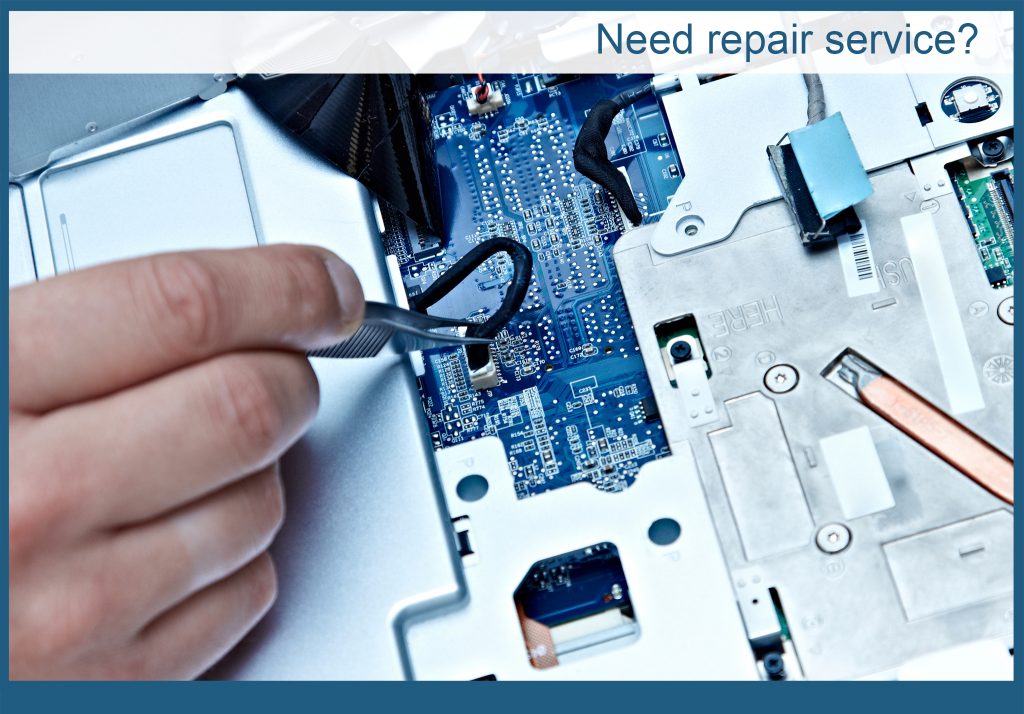
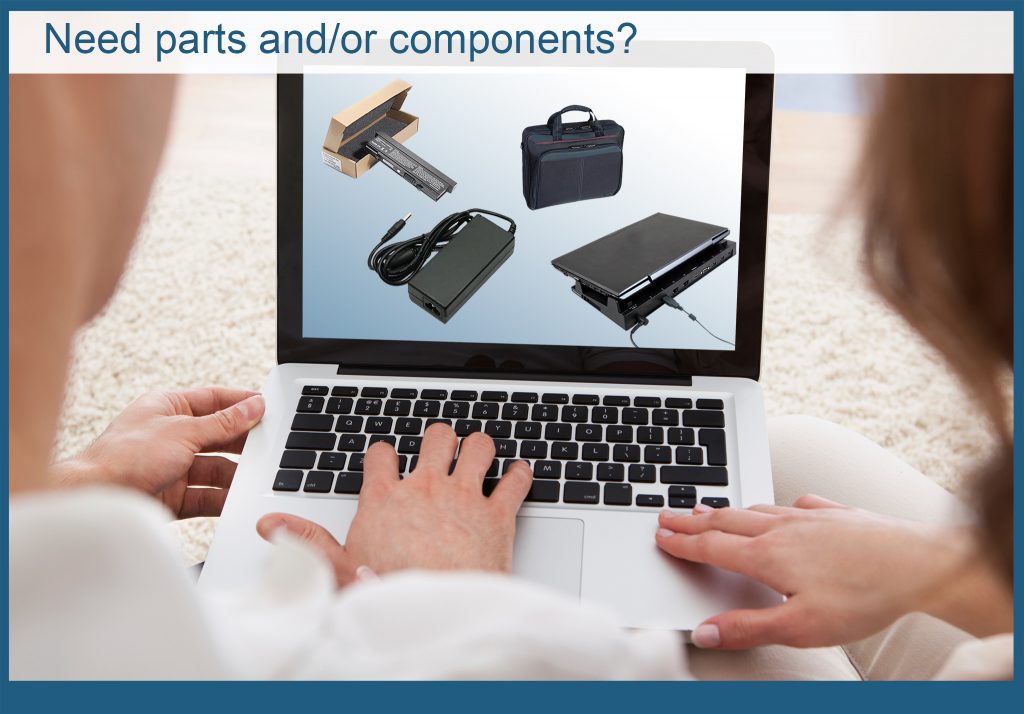
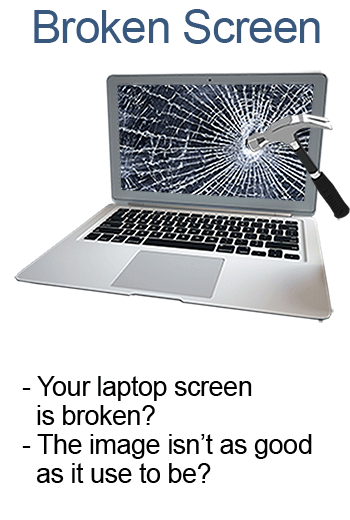
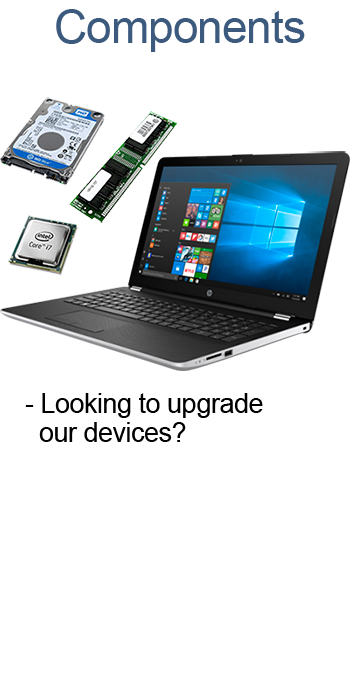
Computer hardware configurations can be as different as there are computers. Our certified technicians can repair desktop computers, laptops, servers, tablets and computer clusters. We can also also repair a range of peripherals, including many input and output devices (like keyboards, mice, scanners, displays, printers, and speakers), and data storage devices (such as internal and external hard drives and disk arrays). We also work with networking hardware, including routers, switches, fiber optics, and wireless networks. Not sure if we can fix your piece of equipment ? Give us a call.
System Cleaning
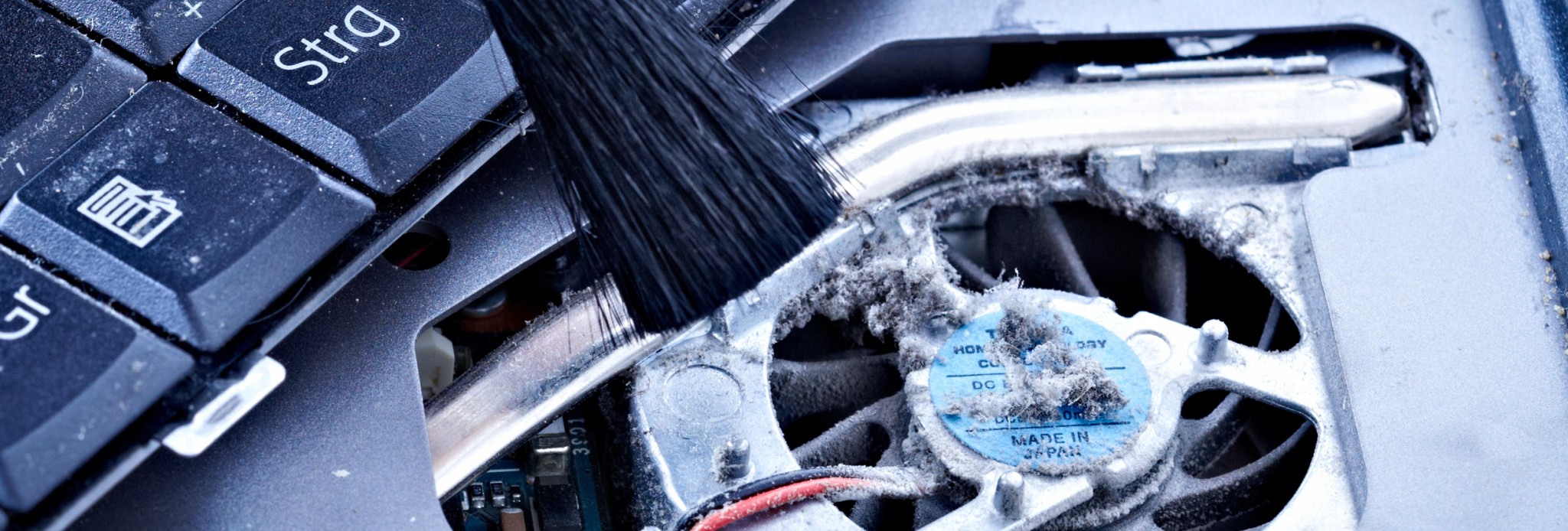
Cleaning your computer means physically cleaning the interior and exterior, including the removal of dust and debris from cooling fans, power supplies, and other hardware components. This should be done after certain period of time. A computer containing accumulated dust and debris may not run properly, and can even overheat.
Don’t wait before it’s too late, our certified technicians have the tools and knowledge to perform this operation.
Optimization
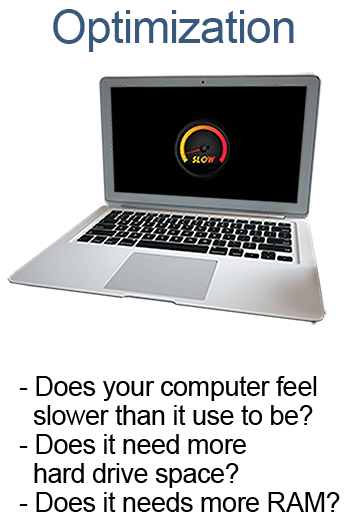
Program optimization or software optimization is the process of modifying a software system or hardware to make some aspect of it work more efficiently or use fewer resources.
A computer program may be optimized so that it runs more rapidly, or is able of operating with less memory storage or other resources, or draw less power.
We can optimize your computer and/or system for your specific needs, give us a call.
Hardware Cleaning
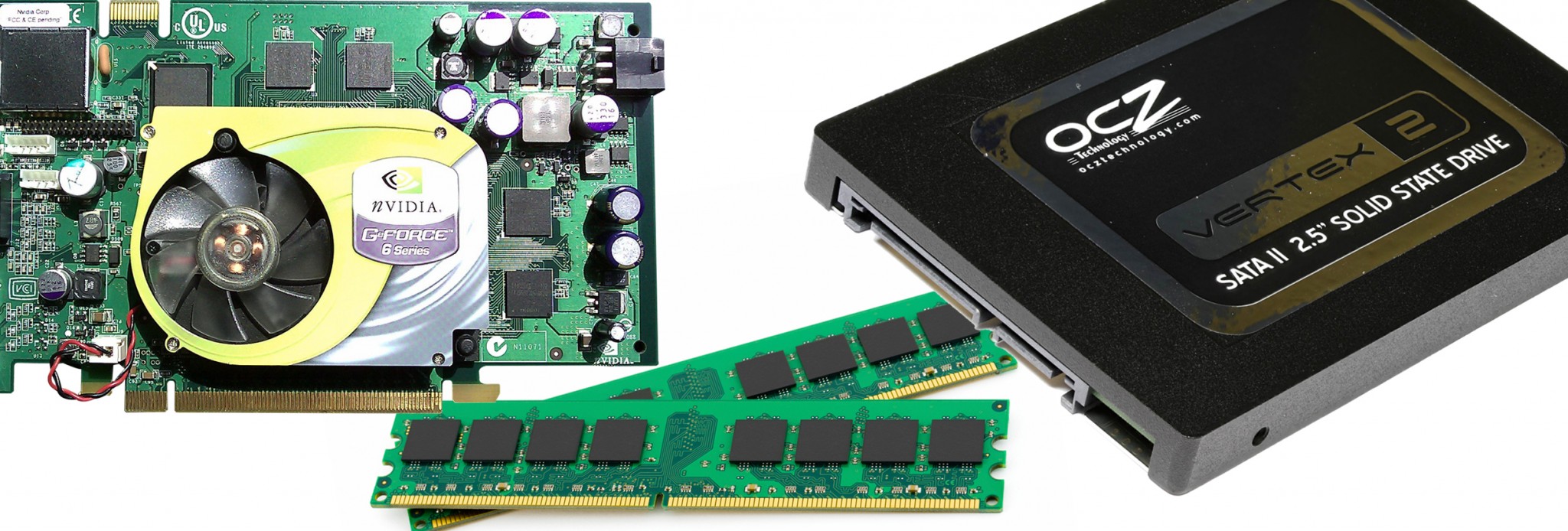
Computer hardware configurations can be as different as there are computers. Our certified technicians can repair desktop computers, laptops, servers, tablets and computer clusters. We can also also repair a range of peripherals, including many input and output devices (like keyboards, mice, scanners, displays, printers, and speakers), and data storage devices (such as internal and external hard drives and disk arrays). We also work with networking hardware, including routers, switches, fiber optics, and wireless networks. Not sure if we can fix your piece of equipment ? Give us a call.
Formatting
Ready for a new start? Formatting or initialization is the process of preparing any data storage device such as a hard disk drive, solid-state drive for initial use. It’s normal to format your operating system once in a while, other wise your computer will start running slow. Installing the latest OS will also include the latest drivers and all the latest pluging and software.
The first part of the this process that performs basic preparation is usually known to as “low-level formatting”. Partitioning is the term for the second part of this process, making the data storage device visible to an operating system. The third part of the process, usually called “high-level formatting” refers to generating a new file system. In some operating systems all or parts of these three processes can be combined or repeated at different levels.
In any cases the system is completely erased, and it is important to make a backup of important data prior to this process.
Virus
Your computer is not acting like it should ? Think your computer has a virus ? We can help you with this. A computer virus is a program that replicates by inserting copies of itself into other computer programs, data files, or the boot sector of the hard drive. When successful, the affected areas are known as “infected”.
They usually perform harmful activity, such as stealing hard disk space or CPU time, accessing private information, corrupting data, displaying unwanted messages on the user’s screen, spamming contacts, logging keystrokes to know any password you might be typing to access your local files or online services, or even rendering the computer useless. It can spread by any means of digital data exchange such as computer networks, CD-ROMs, USB keys, via internet, email, etc.
Antivirus software, sometimes known as anti-malware software, is computer software used to prevent, detect and remove malicious software. Installing an antivirus can help greatly in the protection of your computer and data.
System Update
An operating system (OS) is system software that manages the computer hardware and software resources and provides common services for computer programs. The operating system is a very important part of the system software in a computer. Almost all application programs that you will use, will require an operating system to function.
Upgrading is the process of replacing an Operating System with a newer version. This includes fixing security vulnerabilities and other bugs.
Some people might even want to change the system completely and go for another completely different Operating system.
Software Update
Computer software includes computer programs, libraries and their associated documentation. Amy application program you use is software.
Updating software is replacing it with a newer version. Newer versions are usually more powerful, more performing and sometimes more user friendly. This also ensures that you will be able to open new versions of documents that you received.
This usually includes fixing security vulnerabilities and other bugs.
Sometimes changing to a different software to do a task can be more efficient or less costly.
General Maintenance
Depending on the environment they are use in, computers should be maintained regularly.
In a work environment, at least once per quarter is recommended, though monthly service is optimal.
Regular maintenance helps computers provide their peak performance, and helps to prevent breakdowns that creates work time lost and revenue.
At home, gamers want their machine to perform at its best, to be able to win. And we all want to ensure that we won’t lose any data such as photos, music, videos, or any other project we do with our computer.